Swipe Clean · for iPhone
Your photos. More fun. All yours.
The most fun way to organize, create and relive your memories — on your phone, and nowhere else.




Four tools, one camera roll
Everything below runs on your device. There is no feed, no friends list and nothing to sign up for.




Six ways a story builds itself
Story Templates reads the dates and hearts already in your library and lays the card out for you.
Month Dump
Six from your latest month.
This Time Last Year
The same days, one year back.
Top Nine
The ones you hearted, gridded up.
Roll of Film
Four frames with the dates burned in.
Camera Roll Receipt
Your camera roll, itemised.
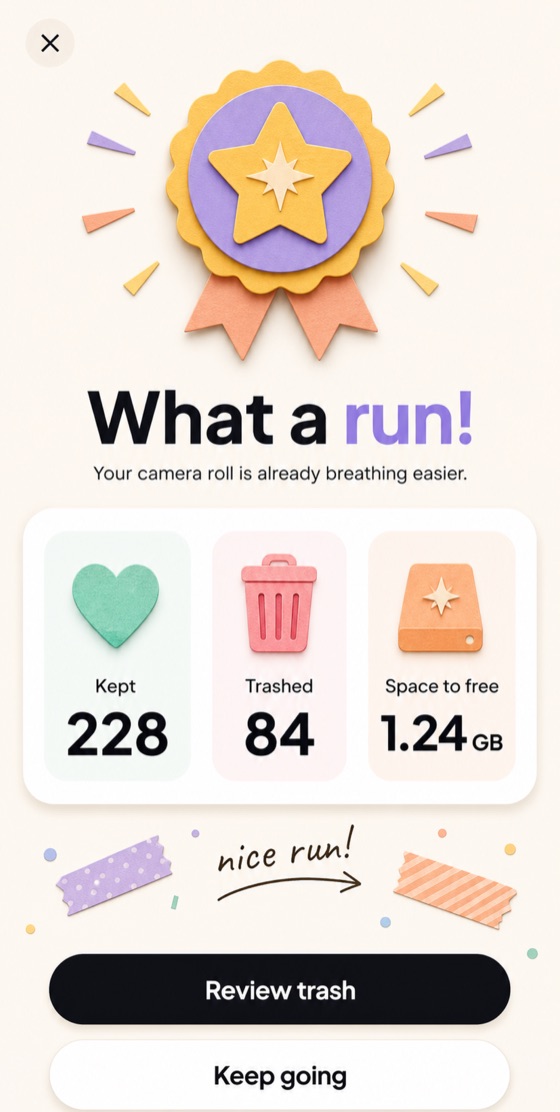
Swipe Clean Scorecard
Kept against cleaned, in numbers.
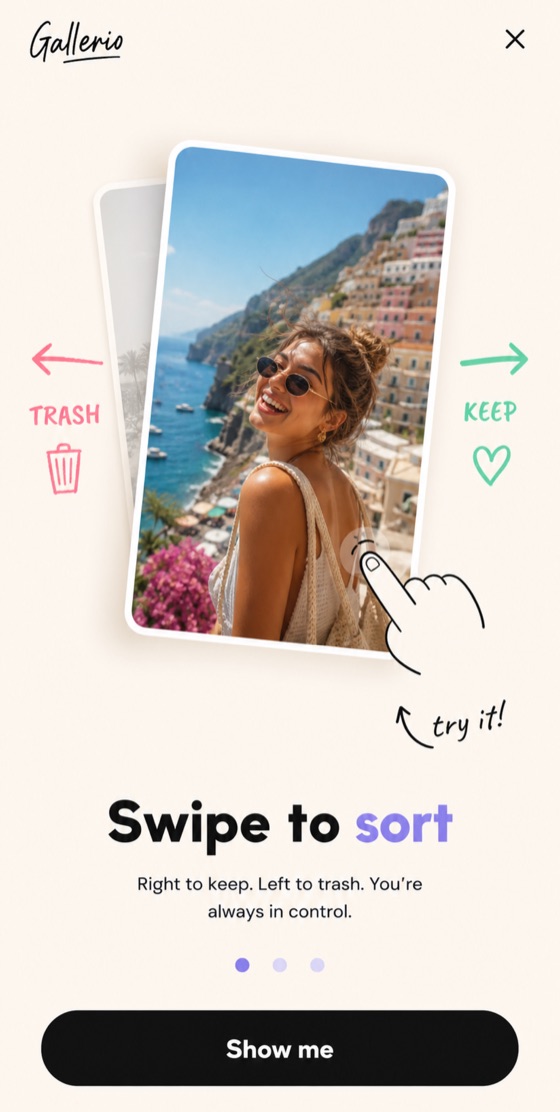
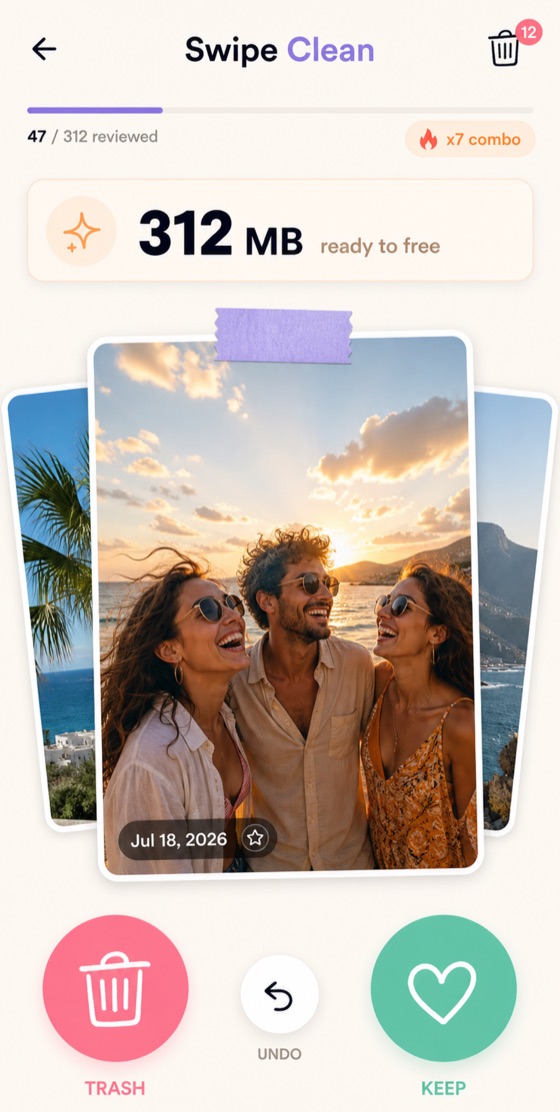
Swipe Clean, screen by screen
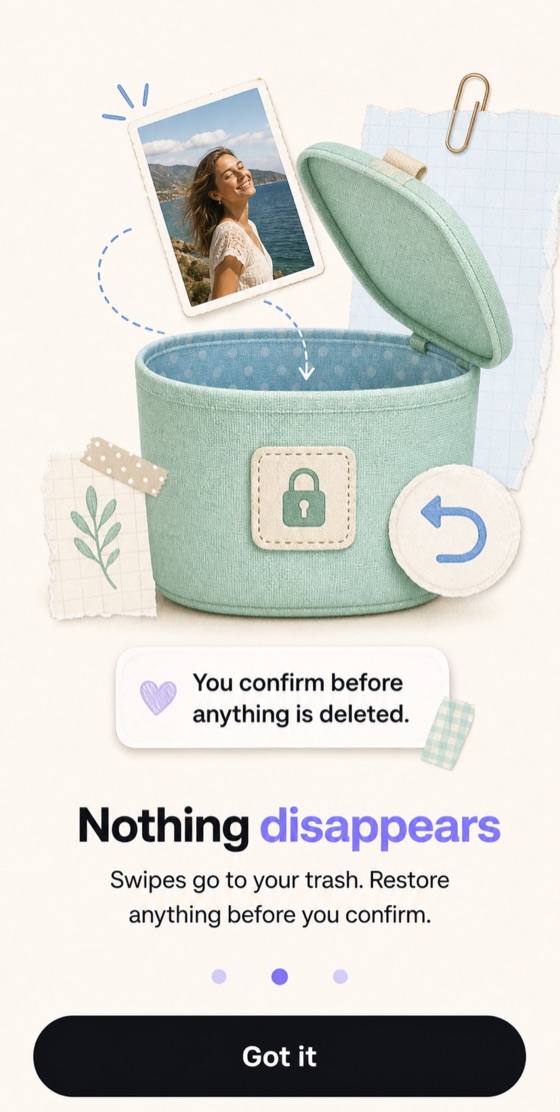
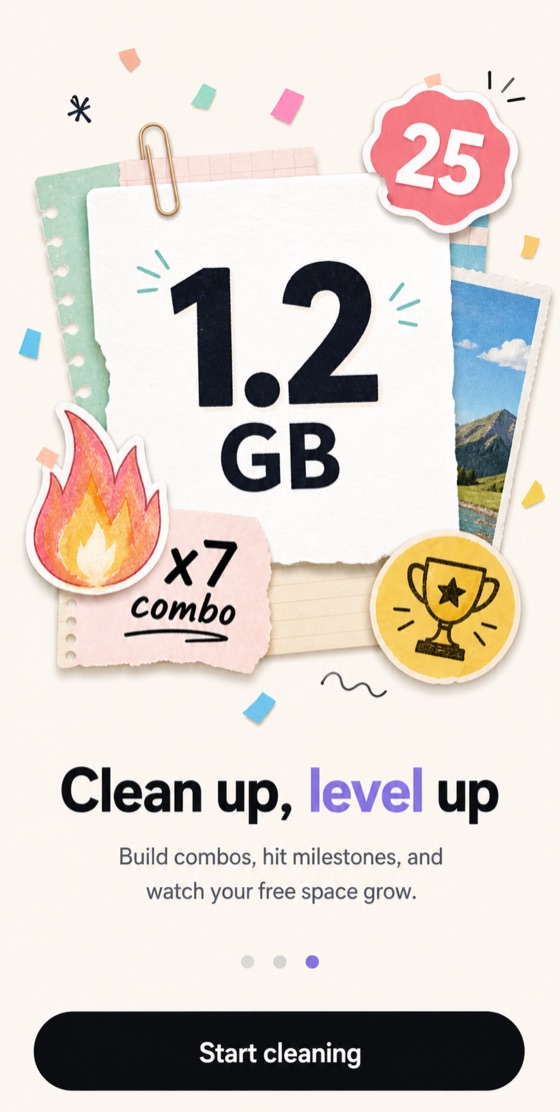
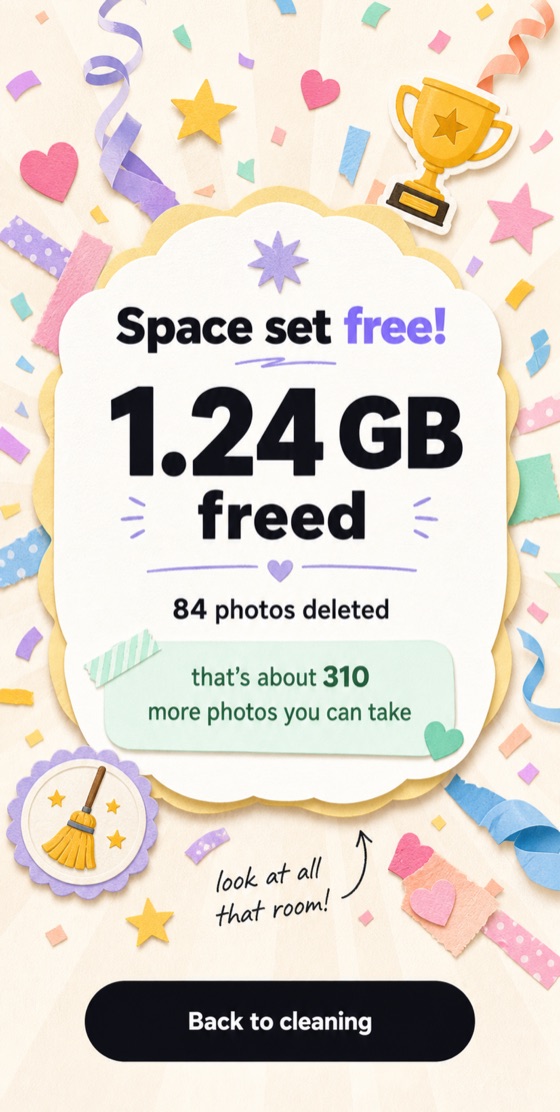
A few screens from Swipe Clean — the tool the app is named after.
Three promises

Your gallery never leaves your phone.
Every tool reads your library on the device and writes what it makes back to your own Photos. There is nothing in the app or on our servers that could show your gallery to anyone.

Nothing is deleted without you.
A left swipe only sets a photo aside. It leaves your library after you pick it out of the trash and iOS asks you to confirm, and then it sits in Recently Deleted for 30 days.

No sign-up, and nothing social.
You start anonymously and get the whole app. Connecting Apple or Google is optional and only keeps your profile if you change phones. The single image ever uploaded is a profile photo you choose yourself, and its location is stripped out before it leaves your phone.
The gallerio mark
Every image you export carries a small gallerio wordmark in its frame. It sits in the border, never on top of your photo, and there is no paid way to remove it — it is how people find out where the card came from.